
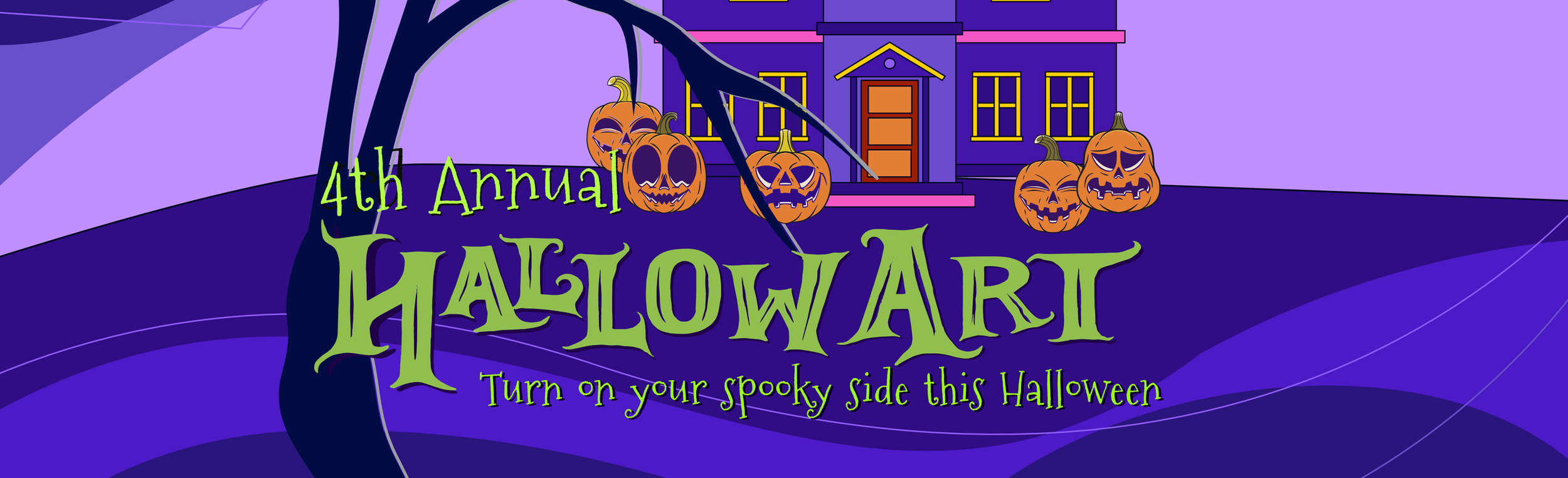
Nominate your house or your neighbors house to win bragging rights and $100 Gift Card to a Northborough Restaurant
2026 Theme: “Make us Shiver”
Transform your home into a Halloween spectacle! Pick a spooky, silly, creepy or creative theme and bring your imagination to life.
📅 PROGRAM DATES
Submission Period: now – October 23
Community Voting: Oct 25 - Oct 31 (stay tuned for the voting link). Follow us on Facebook and IG for announcements and updates.
📝GUIDELINES & RULES
Open to all residents of Northborough
Submit: 2 - 4 photos that best represent your house decoration
Release Waiver: All entrants must agree to a standard photo release waiver upon submitting their work. Check the box below.
Content Guidelines: All submissions must be family-friendly. As we engage the community to do a Halloween drive by, families with children will be viewing your decorations. Please be mindful of your theme.
Entry fee of $10 supports new Public Art Projects in Northborough
-
Photo Submission & Release Waiver
By submitting my photograph(s) to the Northborough HallowArt Contest, I agree to the following terms and conditions:
1. Ownership and Original Work
I certify that I am the sole creator and owner of the submitted photograph(s). I warrant that the submission does not violate or infringe upon the copyright, trademark, privacy, or intellectual property rights of any third party. You cannot submit a photo of another person’s artwork that is copyrighted.
2. Grant of License
While I retain the copyright to my photograph, I hereby grant the Northborough Arts Council a non-exclusive, royalty-free, perpetual, and worldwide license to use, reproduce, distribute, display, and publish my submitted photograph(s) for the following purposes:
● Inclusion in the official 4th Annual HallowArt contest (print and digital formats) which will be available to view and vote for on NAC website.
● Promotional and marketing materials, including websites, social media, newsletters, and press releases.
3. Permissions and Releases
If my photograph depicts any identifiable individuals, I warrant that I have obtained their explicit permission (or the permission of their parent/guardian if they are under 18) to take their photo and submit it to this Contest. I agree to indemnify and hold harmless the Northborough Arts Council against any claims arising from a lack of such permission.
4. Age and Eligibility
I certify that I am 15 years of age or older. Note for minors: If the entrant is between the ages of 15 and 17, a parent or legal guardian must agree to these terms on their behalf.